How to design a card that converts
An effective Direct Mail campaign starts with smart design. You only get one chance to stand out on the doormat. That means using a card that is visually strong and clearly drives action. Below, we share practical tips to help you get the most out of your Direct Mail campaign.

Isa van der Grift
Customer Success Manager
Read on
The structure of a high-converting postcard
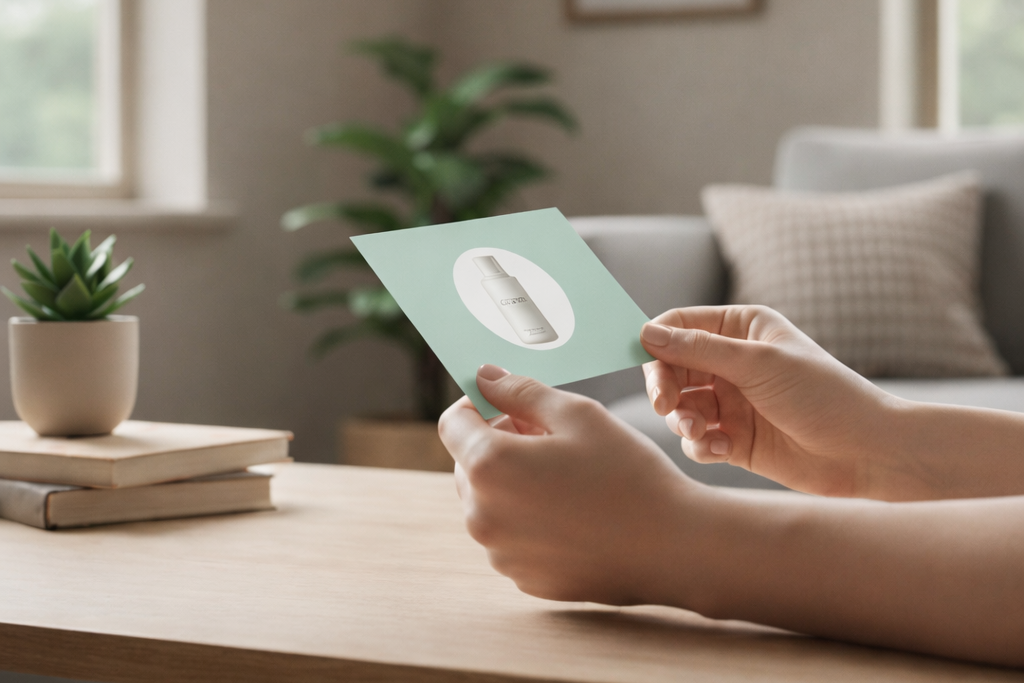
An effective postcard has a clear front and back, each with its own role.
Front side: grab attention
Strong headline: spark curiosity with a direct or provocative message.
Personal touch: can you add personalisation? Great. Think of a personal opening or context, such as “Your favourite vitamin D, now at a special price, Thomas”.
Clear branding: make sure the sender is instantly recognisable.
Less is more: avoid information overload on the front.
Call to action: make it immediately clear why this card is relevant to the recipient.
Back side: activate
Personal salutation: personalise again here. “Hi Julia” works better than “Dear customer”.
Short, clear copy: explain in a few sentences, preferably two to four, what you are offering, for whom, and why it matters to the recipient.
Call to action: for example, “Scan the QR code and discover your personal offer”.
One message: focus on a single action and repeat it.
QR code: the bridge to your online landing page. Lower the barrier to action by adding a QR code. A QR code also allows you to measure the performance of your card.
Design principles for higher response
Smart design does more than make a card look good. It guides the reader’s attention and increases response.
What works
Strong contrast: ideally, use dark text on a light background.
Visual hierarchy: a clear hierarchy helps capture attention. Choose one dominant focal point, such as the headline, supported by a secondary element.
White space: breathing room makes your design cleaner and easier to scan.
Readable typography: choose a font that is easy to read and large enough.
Relevant imagery: use visuals that reinforce your message and fit your target audience.
Consistent branding: visual identity, colours, and tone of voice should feel familiar and professional.
Visual cues: subtle arrows, lines, or shadows can guide the eye toward your QR code or CTA.
Keep in mind: the front must grab attention, while the back ultimately drives conversion. Readability is the single most important factor for a high-converting card.
Common mistakes (and how to avoid them)
Too much text: use bullet points or short sentences.
No clear CTA: choose one action and repeat it.
All caps: looks aggressive and is harder to read for many people.
Italic text: avoid italics, just like all caps, to improve readability.
Cluttered layout: without clear focus points, the message gets lost.
What does a good postcard look like?
Want to design an effective postcard yourself? Download our example PDF. It shows exactly what a strong design looks like and brings all tips together. From readability and contrast to branding and call to action, so you can apply them directly to your own campaign.
Automatically send personalised mail from your own software
You have a strong design, a clear message, and you are ready to drive conversions. Want to complete the process? With Print.one, you can connect your own CRM or marketing automation platform to physical postcards. This allows you to send mail at scale. Personalised and measurable.
With Print.one, it’s simpler than you think: send personalised mail fully automatically, directly from your own marketing or CRM system. Turn your campaigns into physical mail in no time, without manual effort. Whether you send one card or thousands, we make personalised Direct Mail easy.